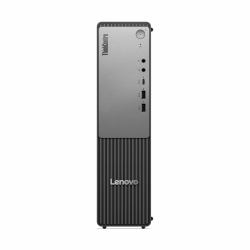
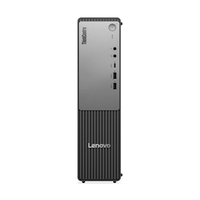
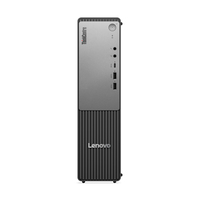
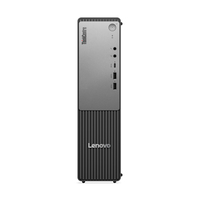
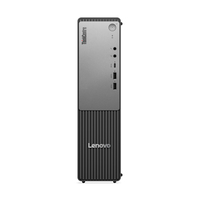
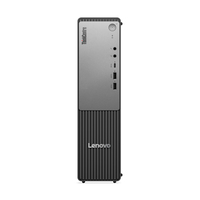
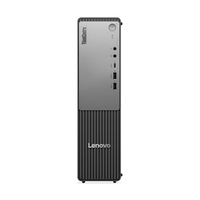
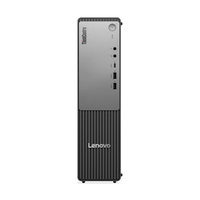
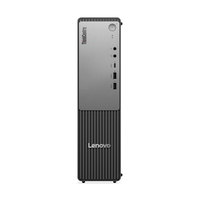
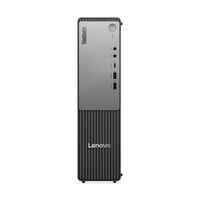
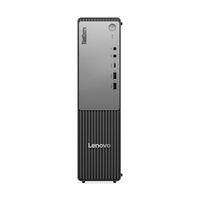
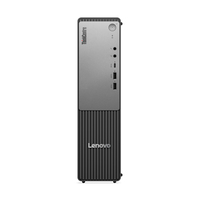
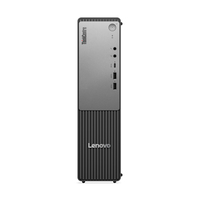
Lenovo ThinkCentre neo 55s Gen 6 AMD Ryzen™ 5 220 8 GB DDR5-SDRAM 256 GB SSD Windows 11 Pro SFF PC Black

MPN: 13G00005UK
Quick Code: B51048720
(Lenovo ThinkCentre neo 55s G6 13G00005UK Small Form Factor PC, AMD Ryzen 5 220, 8GB RAM, 256GB SSD, Windows 11 Pro with Keyboard and Mouse)
🔍
Lenovo ThinkCentre neo 55s Gen 6 AMD Ryzen™ 5 220 8 GB DDR5-SDRAM 256 GB SSD Windows 11 Pro SFF PC Black
Product Image 1 Product Image 2 Product Image 3 Product Image 4 Product Image 5 Product Image 6 Product Image 7 Product Image 8 Product Image 9 Product Image 10 Product Image 11 Product Image 12 Product Image 13 Product Image 14 Product Image 15
Note: Image accuracy is not guaranteed. Please do not rely solely on the image for your purchase.

📹 View Product Demo

£451.71
£542.05 inc. VAT
Overseas Customers with EU-VAT number do not pay VAT. - Verify it here
Quick Code: B51048720
MPN: 13G00005UK
Manufacturer: Lenovo
EAN Code: 0199271429419
💰 Get £3.25 Cash Back if paying by Debit Card or Bank Transfer!
📧 Request More Info

Have questions? Need a quote?

Contact Us
📬 Notify me when price drops
NOTE: The information below is provided for your convenience only and we cannot guarantee its accuracy. If necessary, please verify with us before purchasing.

Lenovo ThinkCentre neo 55s Gen 6 AMD Ryzen™ 5 220 8 GB DDR5-SDRAM 256 GB SSD Windows 11 Pro SFF PC BlackAMD Ryzen 5 220 (6C/12T, 3.2/4.9GHz, 6MB L2/16MB L3), 1x 8GB SODIMM DDR5-5600, 256GB SSD M.2 2280 PCIe 4.0x4 NVMe Opal 2.0, AMD Radeon 740M Graphics, Windows 11 Pro

Small Size, Purposeful Performance
A small form factor (SFF) PC that optimizes business productivity & performance at all levels.


- Powerful performance with AMD Ryzen™ 200 Series processors
- Multiple connectivity options to facilitate multitasking & workflows
- Expandable memory & storage to support business growth


Windows support for peripheral Enhanced sign-in security (ESS) fingerprint sensors is coming in late 2025! Some Windows Hello peripheral devices may already be available in market. For those who would like to use these fingerprint readers with ESS before it is officially supported in Windows, we recommend plugging in the fingerprint reader before booting the device for the first time, enrolling in Windows Hello during the Windows Out of the Box Experience (OOBE), and never detaching the sensor from the PC.