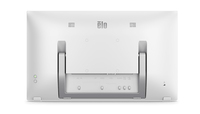
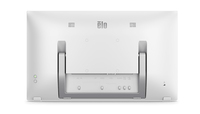
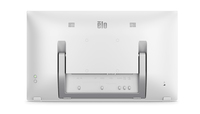
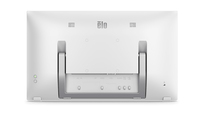
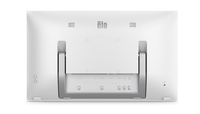
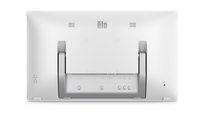
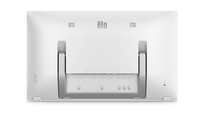
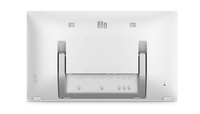
Elo Touch Solutions E265991 computer monitor 54.6 cm [21.5"] 1920 x 1080 pixels 4K Ultra HD LCD Touchscreen White

MPN: E265991
Quick Code: B47108476
(ET2270L-2UWA-1-WH-G 22IN LCD - FHD PCAP 10-TOUCH ANTI-GLARE WHT)
🔍
Elo Touch Solutions E265991 computer monitor 54.6 cm [21.5"] 1920 x 1080 pixels 4K Ultra HD LCD Touchscreen White
Product Image 1 Product Image 2 Product Image 3 Product Image 4 Product Image 5 Product Image 6 Product Image 7 Product Image 8
Note: Image accuracy is not guaranteed. Please do not rely solely on the image for your purchase.

📹 View Product Demo

£296.72
£356.06 inc. VAT
Overseas Customers with EU-VAT number do not pay VAT. - Verify it here
PLEASE NOTE: there is a 3 day lead time on dispatch for this item.
Quick Code: B47108476
MPN: E265991
Manufacturer: Elo Touch Solutions
EAN Code:
💰 Get £2.14 Cash Back if paying by Debit Card or Bank Transfer!
📧 Request More Info

Have questions? Need a quote?

Contact Us
📬 Notify me when price drops
NOTE: The information below is provided for your convenience only and we cannot guarantee its accuracy. If necessary, please verify with us before purchasing.

Elo Touch Solutions E265991 computer monitor 54.6 cm (21.5") 1920 x 1080 pixels 4K Ultra HD LCD Touchscreen White21.5'', TFT LCD (LED), 16:9, 1920 x 1080, 50, 60Hz, PCAP, 10 Touch, Two x 2W internal speakers, White, anti-glare

The bezel just got smaller.
The 2270L 22” touchscreen offers up to a 70% reduction in the bezel compared to similar models.

Minimalistic design to fit any space.

From 20 degrees to 70 degrees, angle the display where you want it.

Place it on a desktop, mount it on a wall or configure the 2270L to fit your space with VESA-compatibility.


VESA-compatibility. Built-in speakers and integrated IO.

Durable, energy efficient touchscreen.

Scratch-resistant glass surface.
IK07 impact resistant.
ES8.0 certified for greater energy efficiency.

Increase viewing comfort with low blue light and flicker free features.

Navigate the OSD directly on the touchscreen.
We have made it easier to manage your On-Screen Display (OSD) controls – Now you can use the touchscreen or the controls you are used to on the rear side of the monitor.