ENDORFY Solum Voice Black PC microphone

MPN: EY1B014
Quick Code: B51127460
(Solum Voice [schwarz])
🔍
ENDORFY Solum Voice Black PC microphone
Product Image 1 Product Image 2 Product Image 3 Product Image 4 Product Image 5 Product Image 6 Product Image 7 Product Image 8 Product Image 9 Product Image 10 Product Image 11 Product Image 12 Product Image 13 Product Image 14 Product Image 15 Product Image 16 Product Image 17 Product Image 18 Product Image 19 Product Image 20 Product Image 21 Product Image 22 Product Image 23 Product Image 24 Product Image 25 Product Image 26 Product Image 27
Note: Image accuracy is not guaranteed. Please do not rely solely on the image for your purchase.

📹 View Product Demo

£120.89
£145.07 inc. VAT
Overseas Customers with EU-VAT number do not pay VAT. - Verify it here
PLEASE NOTE: there is a 7 day lead time on dispatch for this item.
Quick Code: B51127460
MPN: EY1B014
Manufacturer: ENDORFY
EAN Code: 5903018667683
💰 Get £0.87 Cash Back if paying by Debit Card or Bank Transfer!
📧 Request More Info

Have questions? Need a quote?

Contact Us
📬 Notify me when price drops
NOTE: The information below is provided for your convenience only and we cannot guarantee its accuracy. If necessary, please verify with us before purchasing.

ENDORFY Solum Voice Black PC microphone30-18000 Hz, USB-C, 3.5 mm, Arm mount

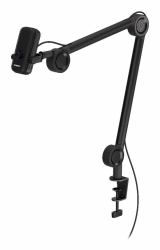
The king of tiny microphones returns, this time on an adjustable arm. Optimized for gaming, voice chats and streaming services, Solum Voice will provide you with comfort while talking, and pick up your every word perfectly while doing so.

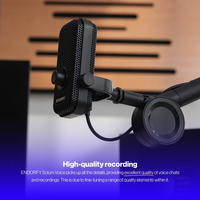
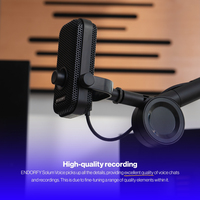
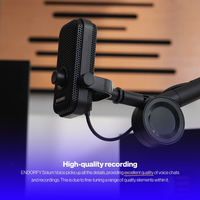
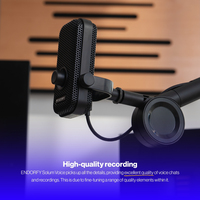
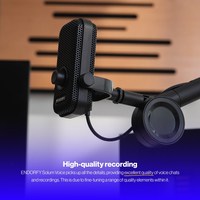
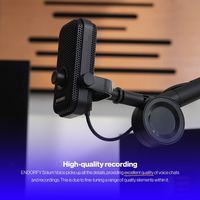
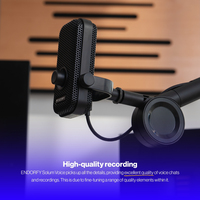
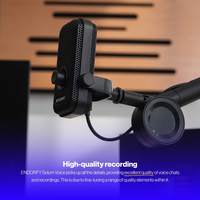
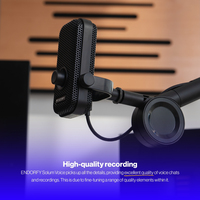
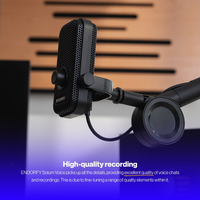
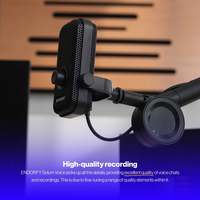
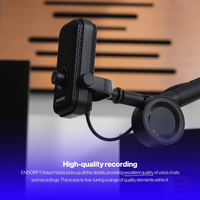
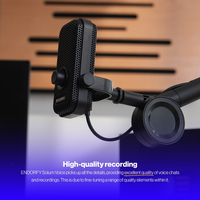
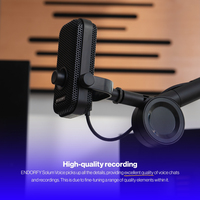
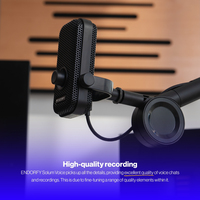
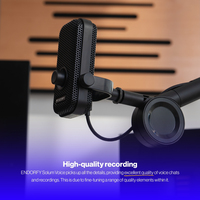
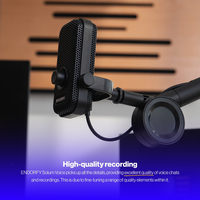
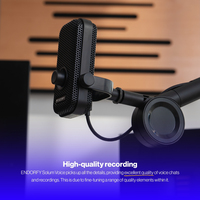
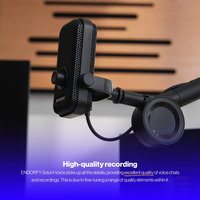
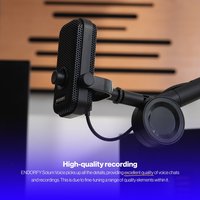
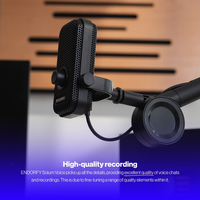
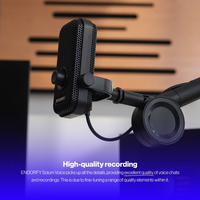
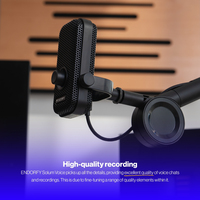
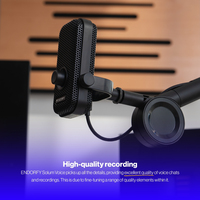
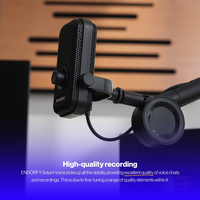
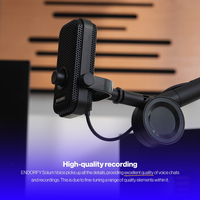
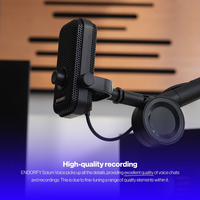
- High-quality recorded sound – the microphone picks up detailed sound, providing great quality of chats, podcasts and recordings. This is provided by a great synergy of high-quality elements within it.
- Mic on an arm – Solum Voice is a small microphone with an original design. It’s accompanied by a slim, regulated arm that takes up very little space on your desk.
- Made for talking – thanks to its cardioid directional pattern, Solum Voice precisely picks up the voice in front of it. With streams and podcasts in mind, it’s also provided with a jack audio output that gives you direct monitoring of the recorded sound.
- Signal control – the gain knob lets you set the microphone’s sensitivity to make your voice clear. On the top of Solum Voice you’ll find a touch button that lets you mute the sound discreetly while talking or recording.
- RGB lighting – a subtle RGB backlight ring surrounds the gain knob. To change its hue, click the volume knob once or more, until you find the color of your choice. Press and hold for a moment to turn the light off completely.
- Plug & play – Solum Voice doesn’t require any software and works just after you plug it in. You can connect it to a PC, PlayStation or a smartphone with a USB-C port and OTG function available.

High quality sound input
The Solum Voice microphone picks up detailed sound while chatting, podcasting or recording voice lines. We achieved this with thorough, meticulous testing and combining high-quality components.

Tiny mic on an arm
Solum Voice is a tiny microphone with an original design that will look good both at a home gaming station and at a minimalistic recording space. Mount it on the included adjustable arm (devoid of extra springs and keys) and enjoy the comfort of communication even at a small desk.

Cardioid mode
Solum Voice works in cardioid mode – it picks up sound in front of the microphone and lets you ignore the background noise behind it. With streams and podcasts in mind, it’s suited with a jack monitoring output that lets you hear the recorded audio directly.

Control the signal
In the front of Solum Voice there’s a GAIN knob that lets you control its sensitivity and make your voice as clear as possible. Also, the upper part of the microphone has a touch-activated mute button, that will let you discretely cut out sound input while talking or recording.

The colors you like
The GAIN knob is surrounded with a subtle RGB backlight, allowing you to tweak it to suit your station, or your mood. To change its color, click the knob once or more to switch to a desired hue. Click and hold it for longer to turn off the backlight completely.

Plug & play
Solum Voice doesn’t need any additional software and works straight away after you plug it in. You can connect it to your PC, PlayStation console or a smartphone with a USB-C port and OTG function.