NOTE: The information below is provided for your convenience only and we cannot guarantee its accuracy. If necessary, please verify with us before purchasing.
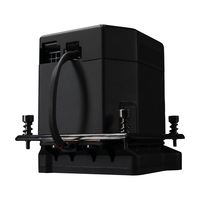
Cooler Master Masterliquid ML360 SUB-ZERO EVO Processor Liquid cooling kit 12 cm Black 1 pc(s)LGA1700, 35 dBA, 4-Pin, RGB, 3x 120 mm, 0-2400 RPM, 75.2 CFM, 30 dBA, 4-Pin (PWM), 12 VDC,
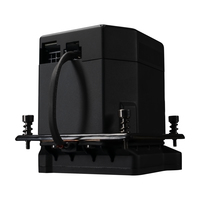
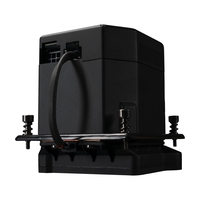
The Chilled ChampionCooler Master has redesigned the innovative Thermoelectric Cooling (TEC) solution with the launch of the new MasterLiquid ML360 SUB-ZERO EVO. In collaboration with Intel® Cooler Master has developed an AIO to attain sub-ambient cooling in combination with Intel® Cryo Cooling Technology, creating the ultimate AIO Liquid Cooler that delivers the best cooling performance for Intel’s performance CPUs.
Intel® Cryo Cooling TechnologyPowered by Intel® Cryo Cooling Technology with integrated software to allow customizable overclocking catered to your specific needs.
Thermoelectric Cooling (TEC)The redesigned TEC unit within the water block accelerates cooling to deliver maximum overclocking of your Intel® processor.
NEW DIY PUMPCompact DIY pump upgraded with silent IC delivers better noise performance with small footprint.
Low Profile RadiatorLow profile radiator with superior fin density coupled with performance fans dissipates heat rapidly.
New Mobius FansAcclaimed Mobius Series fans optimized for both performance and acoustics to cater to all demands from case, liquid or air cooling for gaming & overclocking.
Setting Up Overclocking on Your CPUOverclocking your CPU doesn’t have to be complicated and can be achieved in 2 basic ways: Overclocking through BIOS Settings OR Using Intel XTU Software (For more info on downloading and setting up XTU software, click the link below)

![Cooler Master Masterliquid ML360 SUB-ZERO EVO Processor Liquid cooling kit 12 cm Black 1 pc[s]](images/imgB50949429.jpg)