No customs fees! Products from within the EU
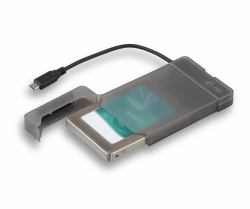
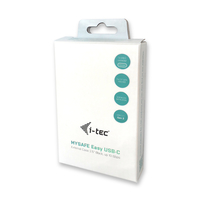
i-tec MySafe USB-C 3.1 Gen. 2 easy
MPN: C31MYSAFEU313
Quick Code: B7451259
(I-TEC MYSAFE EASY 2.5IN USB-C - EXTERNAL CASE USB-C 3.1 GEN 2)
Note: Image accuracy is not guaranteed. Please do not rely solely on the image for your purchase.
$16.70
$20.04 inc. VAT
All products on this website are available duty-free in the EU
Overseas Customers with EU-VAT number do not pay VAT. - Verify it here
Quick Code:
B7451259
MPN:
C31MYSAFEU313
Manufacturer:
i-tec
EAN Code:
💰 Get Cash Back if paying by Debit Card or Bank Transfer!
NOTE: The information below is provided for your convenience only and we cannot guarantee its accuracy. If necessary, please verify with us before purchasing.
i-tec MySafe USB-C 3.1 Gen. 2 easyi-tec MySafe USB-C 3.1 Gen. 2 easy, external case for hard drive 9.5 mm / 2.5" for SATA I/II/III HDD SSD, USB-C 3.1 Gen. 2 interface with data transfer rate up to 10 Gbps, compatible with Thunderbolt 3
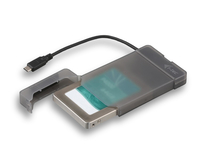
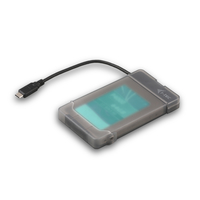
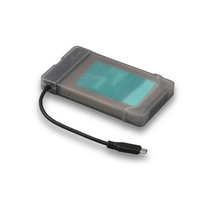
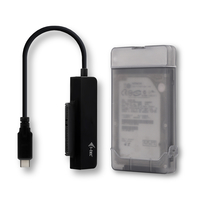
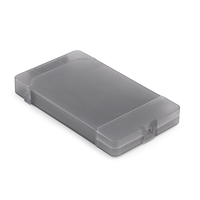
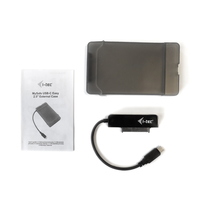
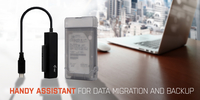
i-tec MySafe USB-C Easy, external case for connecting 2.5" SATA disks to your PC, laptop, TV or other multimedia device through USB-C interface, with power supply. You can use the external case for data migration, backup or data recovery. USB-C 3.1 Gen. 2 interface with speeds up to 10 Gbps, data transfer is therefore up to 2x faster than the previous version. Interface is compatible with Thunderbolt 3.Operation is very simple, the disk is inserted into the frame, and the drivers are automatically installed after the first connection. You can use a separate external frame adapter, to quickly connect the disk to your computer. Enclosed plastic box can be used to safely transfer a disk.
Connect any 2.5" SATA I /II/III disk up to 9.5 mm high, to your computer. You can transfer data up to 2x faster than before thanks to USB-C 3.1 Gen. 2 interface. External case is compatible with Thunderbolt 3.
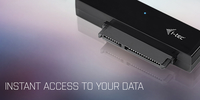
Inserting or replacing a disk is very quick and easy. No screws are required, just insert the drive directly into the SATA connector of the adapter and connect it directly to the computer. Installation of the drivers takes place automatically.
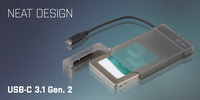
You can use a separate external frame adapter, to quickly connect the disk to your computer. The USB-C cable is integrated, which ensures that you will not lose it. The enclosed plastic box can be used to safely transfer a disk or to store an adapter without an inserted disk.