NOTE: The information below is provided for your convenience only and we cannot guarantee its accuracy. If necessary, please verify with us before purchasing.
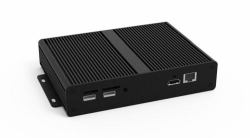
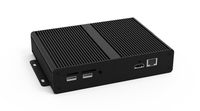
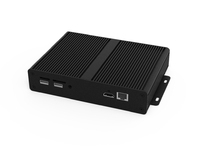
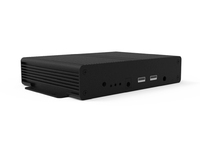
Allsee Technologies PPHD9 digital media player Black Full HD 32 GB 2.0 channels 1920 x 1080 pixels Wi-FiStereo Analog Audio Socket (3.5mm), AC110~240V (50Hz~60Hz)
Convert Existing Screens into Simple Plug and Play Digital Signage Displays
Standalone Android Media PlayerTransform existing screens into digital signage with our powerful standalone player with scheduling software
24/7 Commercial UseCommercially graded high quality components are used in the design of the media player to ensure that it can be in constant use 24/7. Unlike domestic players, or DVD players, this unit is purpose built to run constantly and is extremely robust.
Power TimerThe eco-friendly power timer allows you to assign daily or weekly on and off times for your media player. The ability to power on and off automatically means that the media player is only in use when it needs to be; improving your environmental efficiency.
Android Media PlayerThanks to their Android operating system, these players are more easily updateable and faster than ever before. They can also be upgraded to the network version so that you can update content over the internet.
Free Scheduling SoftwareFor more advanced use you can take advantage of the free scheduling software, allowing you to display different content at certain times of the day. You can also add scrolling text and set image duration and transition effects.
Multiple OutputsConnect the media player to your existing screen via HDMI and 3.5mm audio jack depending on your display’s inputs.